Artificial Intelligence (AI) is no longer just a buzzword, it’s become a practical tool that’s transforming how we work, especially in the world of web design and development. From streamlining workflows to generating layouts, content, and even code, AI is helping designers and developers work faster, smarter, and more creatively than ever before.
Let’s take a look at how AI tools are shaking things up and why you might want to add them to your toolkit.
Automated Design Suggestions
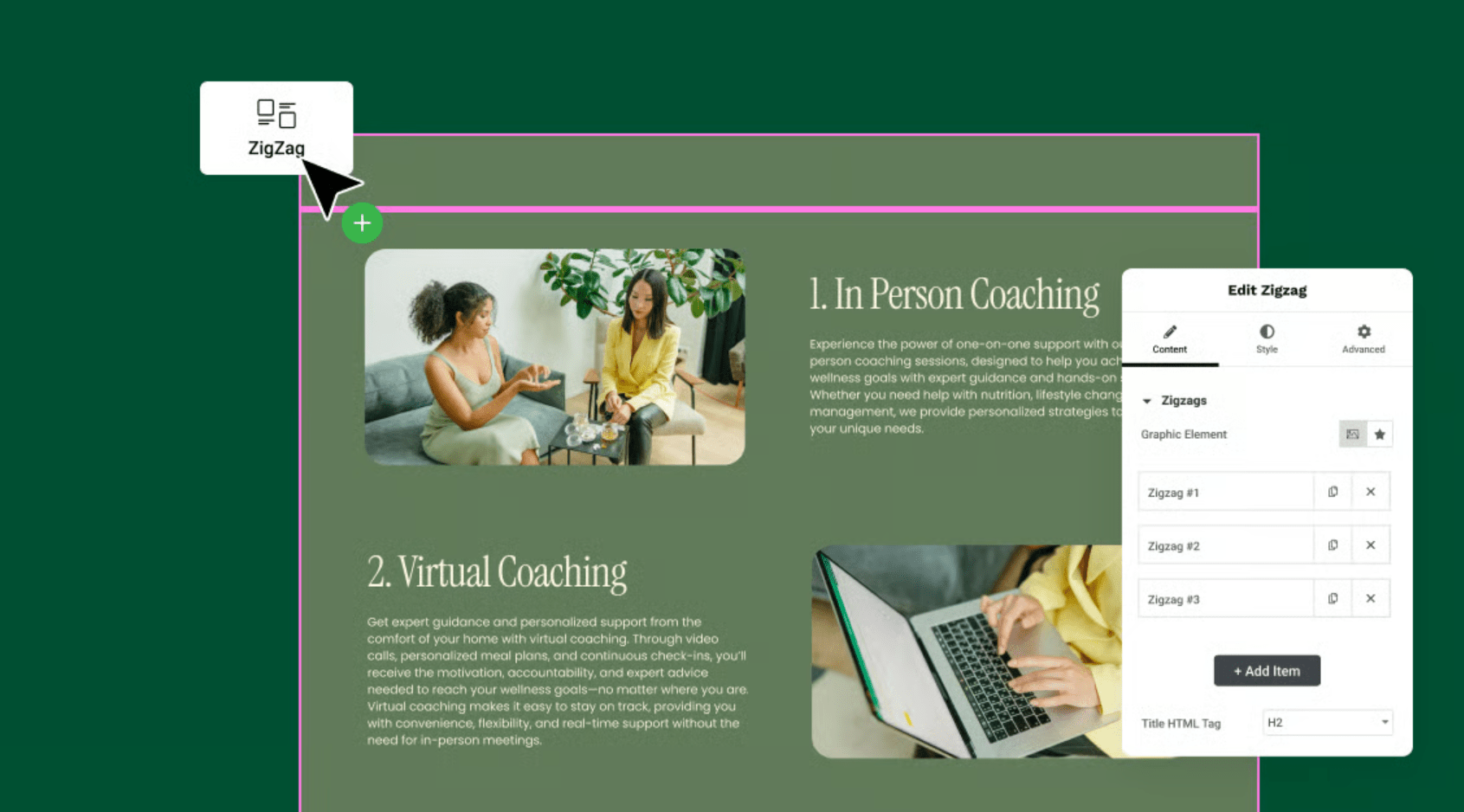
AI-powered platforms like Uizard, Lovable, Figma’s AI plugins, and Wix ADI can analyse design trends and generate layout suggestions based on user needs. These tools help create wireframes or prototypes from plain text prompts or even rough sketches. For designers, this means less time fiddling with blank canvases and more time refining the overall look and feel.
Faster Front-End Development
AI can now generate HTML, CSS, and JavaScript code snippets from natural language prompts. Tools like Lovable, GitHub Copilot, CodeWP, and ChatGPT help developers write cleaner code, spot bugs, and automate repetitive tasks.
Whether you’re building a complex form or integrating a third-party API, AI can cut development time significantly while reducing human error.
Content Creation and Optimisation
Great design needs great content. AI tools like Jasper, Copy.ai, and ChatGPT can help generate headlines, product descriptions, blogs, and calls to action, all tailored to your brand voice and audience. Some platforms can even analyse user data to suggest the kind of content your visitors are more likely to engage with.
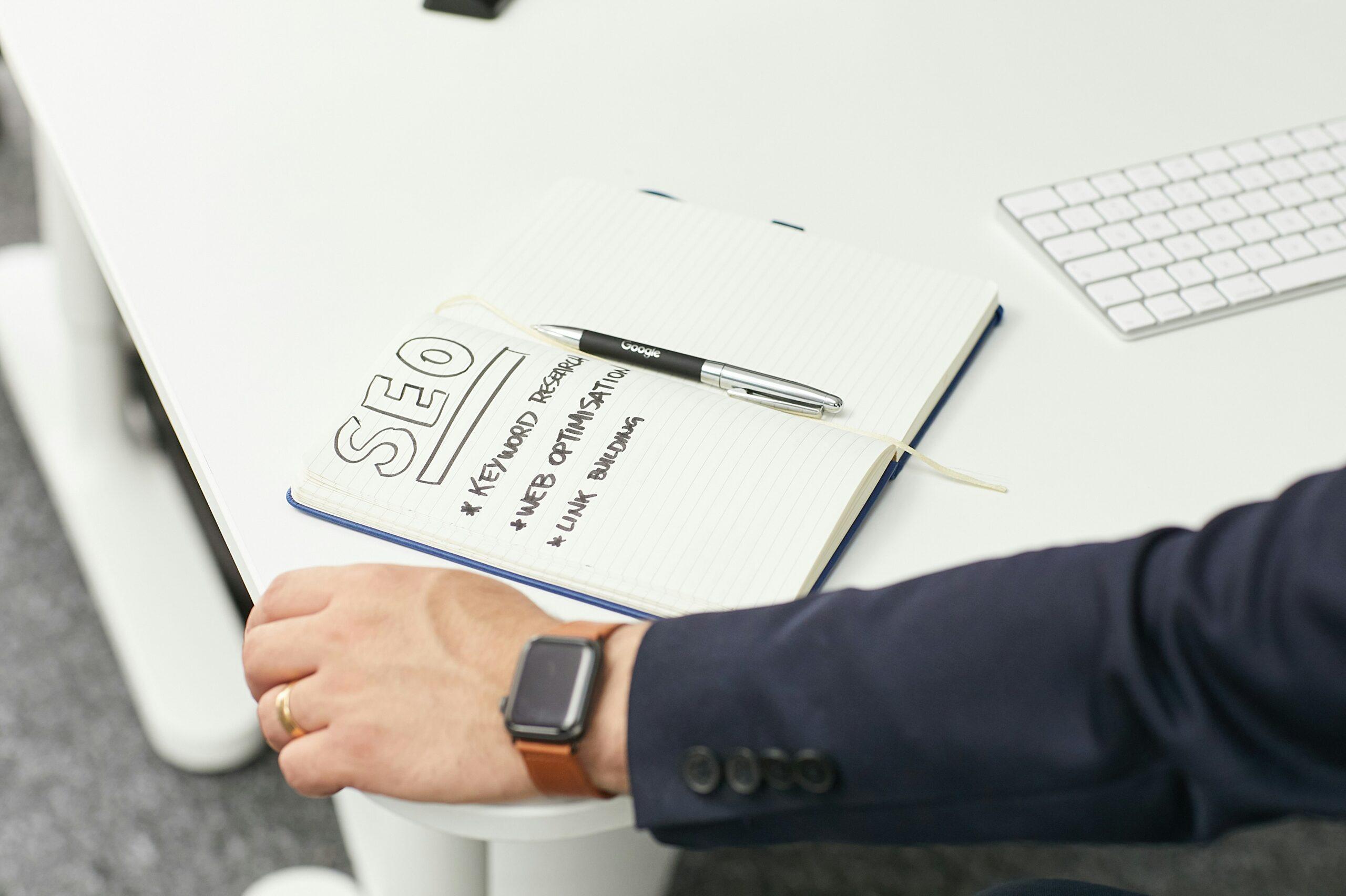
Bonus: many AI writing tools offer built-in SEO optimisation, helping your content rank higher on Google with less effort.
Personalised User Experiences
AI isn’t just helpful behind the scenes, it also powers smarter user experiences. Think personalised recommendations, chatbots for live support, and adaptive layouts that respond to user behaviour.
With platforms like Adobe Sensei or Optimizely, you can use AI to A/B test page elements, track user journeys, and serve up dynamic content tailored to each visitor.
Accessibility and UX Enhancements
AI can assist in identifying accessibility issues in your designs, from contrast problems to missing alt text. Tools like Stark, axe DevTools, and accessiBe help developers meet WCAG standards and ensure that your site is usable for everyone, including people with disabilities.
Visual Editing and Image Generation
Designers are now using AI to create custom graphics, logos, and images in minutes using tools like Canva Magic Design, Runway, and DALL·E. These tools generate visuals based on style inputs, mood boards, or text descriptions – perfect for mockups, marketing assets, or quick concept validation.
Importantly, AI isn’t here to fully replace designers and developers, it’s here to supercharge them. By integrating AI into a workflow, it can save time, increase precision, and unlock new levels of creativity. Most AI tools are only as good as the user prompting them, needing clear instructions and precise guidance to achieve quality results.
Whether you’re a solo freelancer or part of a digital agency, embracing AI tools could be the game-changer that keeps you ahead of the curve in 2025 and beyond.